Send flag artwork as a vector file (AI, EPS, PDF or SVG) with text converted to outlines and spot colors as Pantone references.
- Photos: a 90 × 150 cm flag needs about 5,315 × 8,858 pixels at 150 ppi
- Resolution: four of the five flag makers we compared ask for 150 ppi or more at full size
- Proof: check it line by line before you confirm it
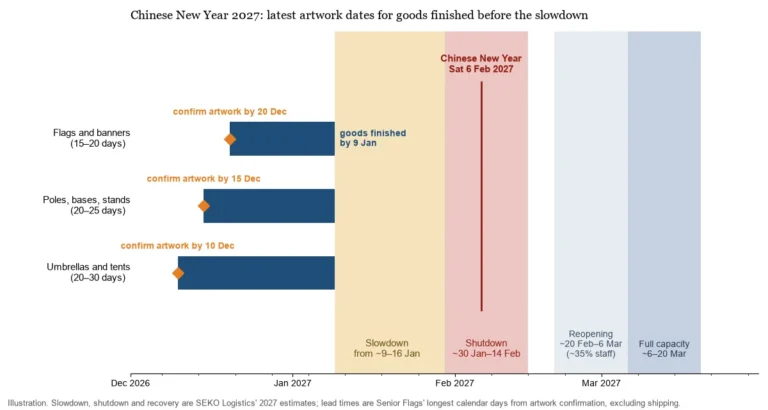
- At Senior Flags: confirming the artwork starts the sample and production schedule
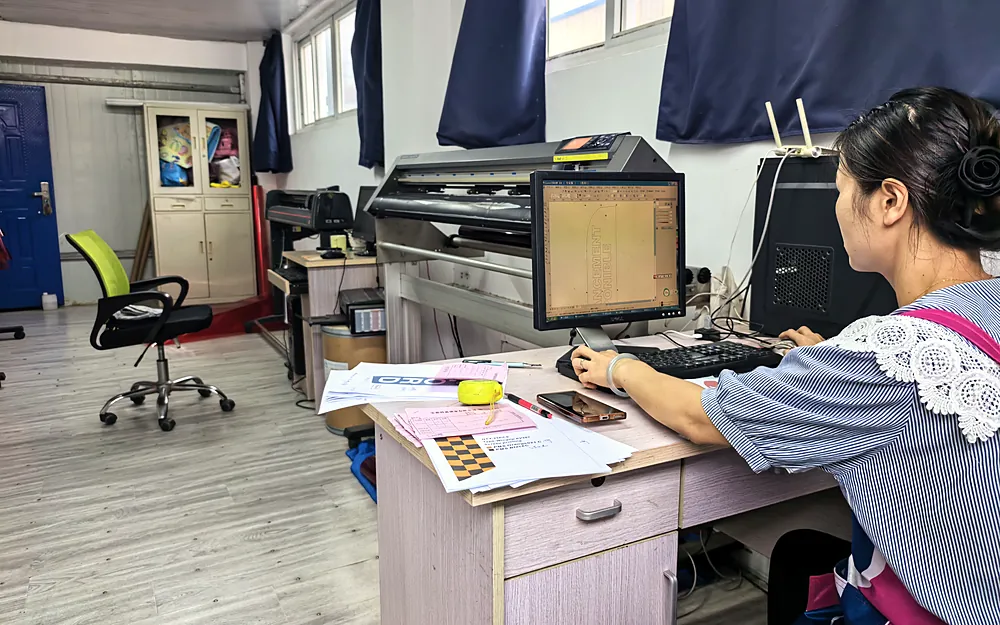
How Senior Flags handles your files
Every order goes through four checks before production: artwork, specification, production feasibility and pre-production confirmation. Spot colors are matched to your Pantone references; for national flags without a reference, we print to that flag’s standard Pantone references.
Should you send a vector file or a pixel image?
Send logos, lettering, crests and national flag designs as vector files. A vector file stores shapes as lines and fills, so it scales to any flag size without losing sharpness. Logos, lettering, crests and national flag designs should be vector: AI, EPS, PDF saved from a vector program, or SVG. Convert text to outlines, or the printer’s computer may substitute a different font.
A pixel (raster) file, such as JPG, PNG or TIFF, is a grid of dots and stays sharp only up to the size its pixels support. Photos are always pixel files. A flag is large, so a small image is stretched across feet of fabric and each pixel shows. If you raise the resolution of a small photo in software, you get more pixels but no more original detail. AI upscalers can make a photo look sharper, but the detail they add is invented, so judge the result on a printed sample.
What resolution do flag printers ask for?
Flag printers ask for 72 to 300 ppi at the finished size, and most ask for 150 ppi or more for a standard flag. Published requirements look far apart until you put them on the same basis, which is pixels per inch at the finished flag size.
| Source | What it publishes | Same requirement at full flag size |
|---|---|---|
| Asya Bayrak (flags) | “minimum 150 DPI at the actual print size”, 300 preferred for desk and indoor flags; 72-100 DPI for 10 × 15 ft flags seen from 30-50 ft | 150 ppi; 300 up close; 72-100 for oversized flags |
| Bestflag (flags and banners) | 300 ppi recommended; “150-200 ppi may still look great”, at 100% scale | 150-300 ppi |
| Custom Flag Company (flags) | “at least 300 DPI” at the actual print size | 300 ppi |
| Custom Flag Supply (flags) | “three hundred DPI at actual print size is the absolute floor” | 300 ppi |
| The Flag Makers (flags) | 300 dpi, with images “scaled down to 25% of the desired flag size” | 75 ppi |
| Signs.com (banners) | 100-150 ppi for large banners seen from a distance, up to 300 up close | 100-150 ppi |
Requirements as published by each flag maker, converted to pixels per inch at the finished flag size.
At full size, the requirements run from 72 to 300 ppi. For a standard 3 × 5 ft flag, four of the five flag makers in the table ask for 150 ppi or more. Only The Flag Makers’ 25% rule works out lower, at 75 ppi. The low figures are meant for oversized flags read from 30 feet or more, and 300 ppi is meant for desk flags seen at arm’s length.
How many pixels does a flag image need at full size?
A 90 × 150 cm flag needs about 5,315 × 8,858 pixels at 150 ppi, and a 30 × 45 cm garden flag about 1,772 × 2,657.
The math is inches of flag × pixels per inch = pixels needed. The table runs it for common flag sizes and adds the file size of an uncompressed 8-bit RGB image at 150 ppi.
| Finished size | In inches | At 100 ppi | At 150 ppi | At 300 ppi | At 150 ppi, uncompressed |
|---|---|---|---|---|---|
| 30 × 45 cm garden flag | 11.8 × 17.7 | 1,181 × 1,772 px | 1,772 × 2,657 px | 3,543 × 5,315 px | about 14 MB |
| 90 × 150 cm national flag | 35.4 × 59.1 | 3,543 × 5,906 px | 5,315 × 8,858 px | 10,630 × 17,717 px | about 141 MB |
| 3 × 5 ft (36 × 60 in) | 36 × 60 | 3,600 × 6,000 px | 5,400 × 9,000 px | 10,800 × 18,000 px | about 146 MB |
| 150 × 240 cm flag | 59.1 × 94.5 | 5,906 × 9,449 px | 8,858 × 14,173 px | 17,717 × 28,346 px | about 377 MB |
| 200 × 300 cm national flag | 78.7 × 118.1 | 7,874 × 11,811 px | 11,811 × 17,717 px | 23,622 × 35,433 px | about 628 MB |
Pixels are the size in inches times ppi; file sizes assume uncompressed 8-bit RGB.
A 90 × 150 cm flag is close to 3 × 5 ft but not the same size, so the table shows both. Add any bleed or hem allowance to the finished size before you calculate. Our standard garden flags are double-layer and can be printed on both sides, so a double-sided order needs a front and a back file at the same size.
Building the file at a smaller scale doesn’t make it smaller unless the resolution drops too. A file built at 25% of the flag size needs four times the ppi for the same quality, so 600 ppi at 25% scale is 150 ppi at full size, with exactly the same number of pixels. The Flag Makers asks for photos at 300 dpi at 25% scale, which works out to 75 ppi at full size, and even then it says the files are too large to email. A 150 × 240 cm or 200 × 300 cm photo file runs to several hundred megabytes, so send a download link instead of an email attachment. Send photos at their original size rather than a resized or compressed copy, so the artwork review sees every pixel you have.
How much bleed and safe area does flag artwork need?
Keep logos and text clear of the sewn edges; published allowances run from a 5 mm safe zone to 1 in (25.4 mm) on sleeve edges.
A flag’s edges are sewn and some carry hardware, so artwork that runs right to the edge disappears into a hem. Printers publish different allowances. Asya Bayrak asks for at least 0.5 in (12.7 mm) on hemmed edges, 1 in (25.4 mm) on header or sleeve edges, and logos and text at least 1 in inside the trim line; Custom Flag Supply draws a 5 mm safe zone. The wider figures are for edges that fold into a hem or sleeve.
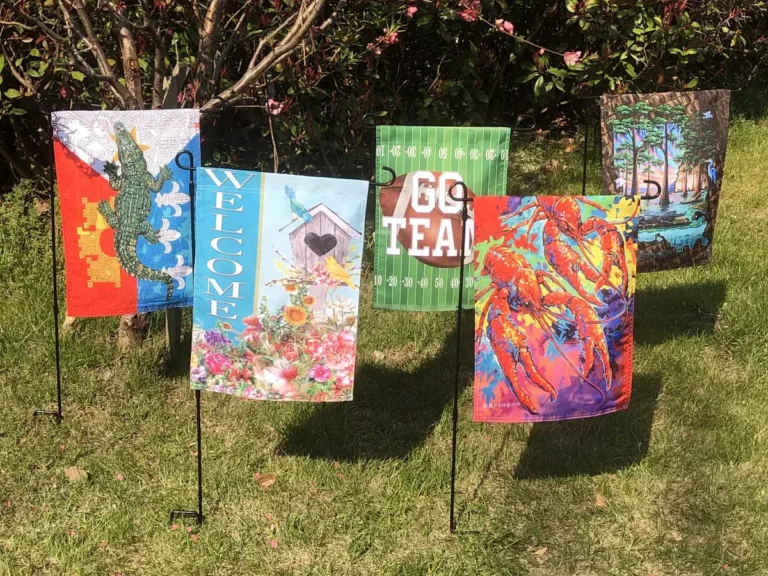
On our national flags, the hoist side is finished with a webbing heading and two eyelets and the other three sides are stitched. Our 30 × 45 cm garden flags are supplied with a 1 m metal stand whose top arm holds the flag, and the flag is finished for display on that stand. Ask for the allowance that applies to your flag before you set up the file. Size and finishing are part of the specification we confirm before production.
How should text, fonts and thin lines be set up on a flag?
People read flags from a distance, often while the fabric moves, so text that looks fine on screen can blur. Convert all text to outlines and embed any linked images. Asya Bayrak warns that strokes thinner than 0.25 pt disappear when a flag is printed at scale. Use strong contrast between text and background.
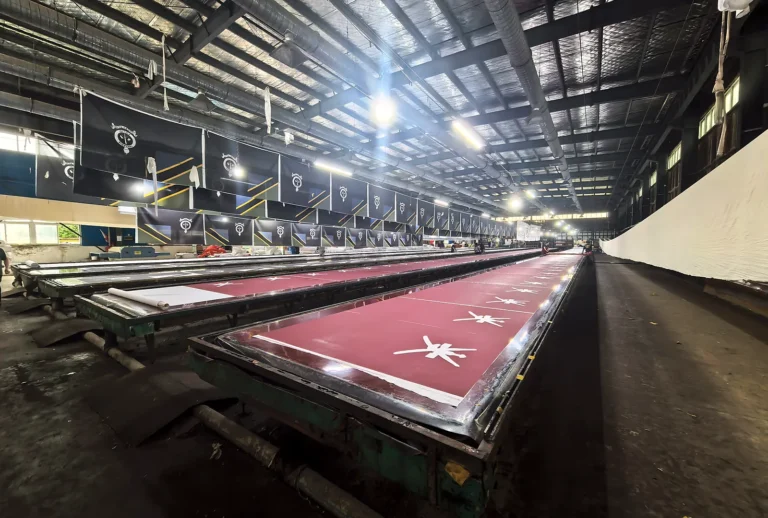
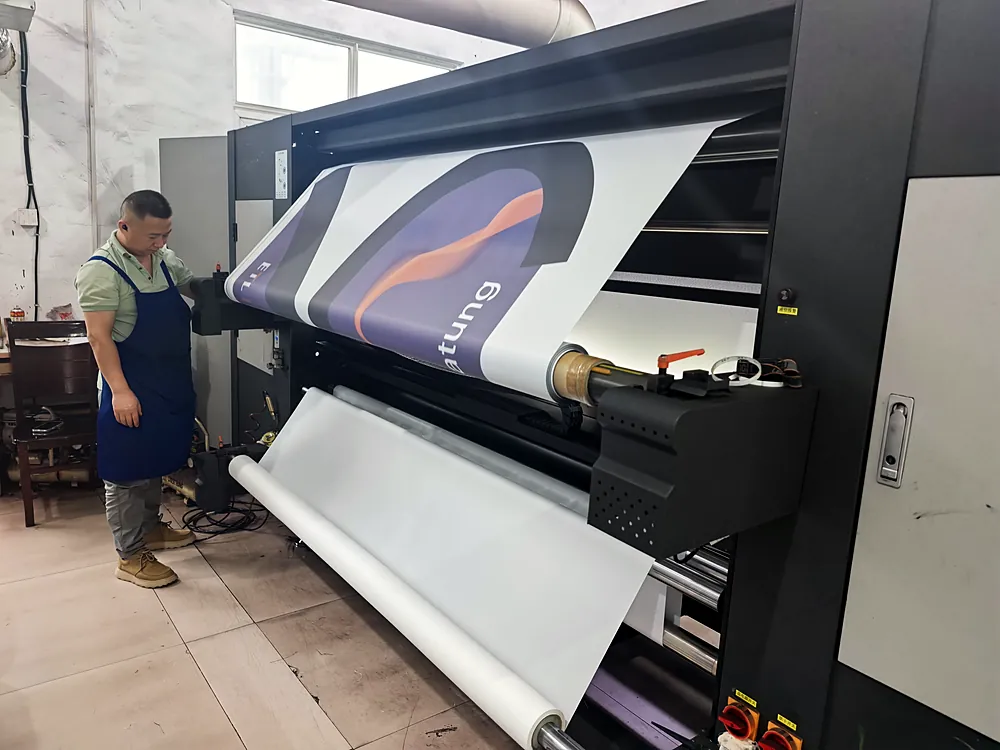
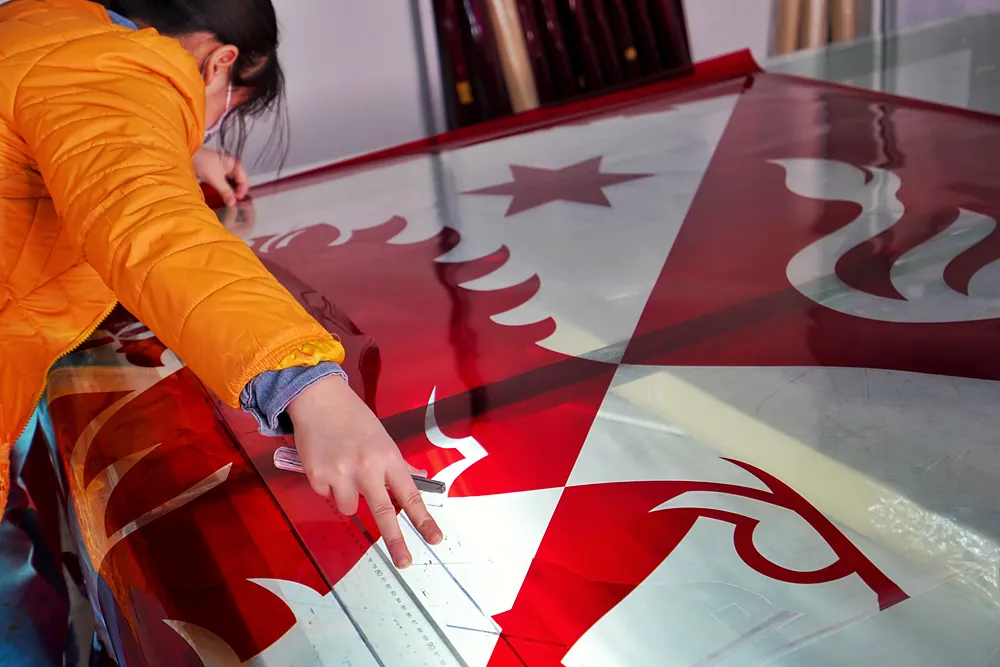
In silk screen printing, each color is printed from its own screen. The method is used on bulk orders where the artwork, color count and quantity support it, so tell us how many spot colors the design uses. The separate screens are also why screen printing needs a vector file. The Flag Makers, for example, says it has to “film cut each color” before printing.
How do you get the right colors on a printed flag?
Your screen shows color as RGB light, but a flag is printed with inks or dyes on fabric, so the same file can look different on the flag. Give spot colors as Pantone references so the factory matches a physical target instead of a screen color. Also say which Pantone guide each reference comes from. Most Pantone chips are printed on paper, and a paper chip rarely matches a printed polyester flag exactly, so judge the result on fabric.
Printers disagree on color mode. Asya Bayrak asks for CMYK files, and Custom Flag Supply advises converting to CMYK yourself so you see the shift before printing. Other printers set the file up themselves. Ask before you convert, and keep an unconverted master.
National flags raise a separate question: who decides the exact colors? Some countries publish exact color values and some don’t. If nobody decides, the flag maker’s own references decide. Settle it in the order. Name the design version and colors you want, or accept the factory’s standard references in writing.
Not sure your file is ready to print? Send it as it is, with the finished flag size. We reply with anything that needs fixing before the proof, and the sample time.
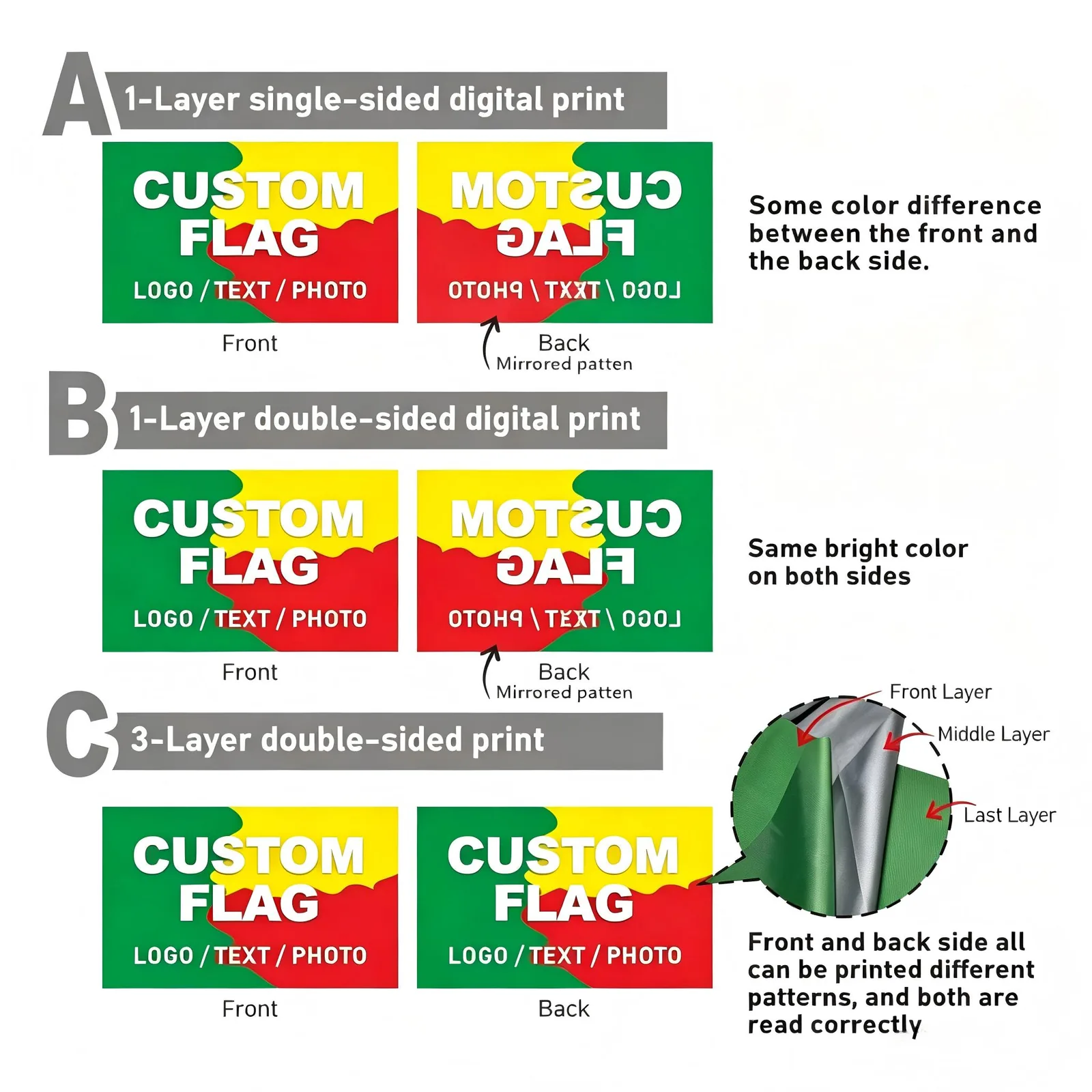
What files do single-sided and double-sided flags need?
A single-sided flag needs one file; a flag with its own design on each face needs one file per face.
Which construction to order, and how each one looks from the back, is covered in single-sided vs double-sided flags. This section covers the files each one needs.
| Construction | Files to send | What the back looks like |
|---|---|---|
| Single-sided | One file | The same design, mirrored and lighter |
| One layer printed on both faces | One file for a mirrored back, or one file per face for a different design on the back | Strong color on both faces; a different back design shows some show-through |
| Three layers with a blockout | One file per side | Each side reads correctly |
Draw the back file the way a viewer sees it from behind, with the hoist edge on the right instead of the left. Some printers describe this as a horizontally mirrored back face. Asya Bayrak, for example, asks for the back face to be mirrored so it reads correctly once the panels are sewn. Separate front and back files are needed whenever each face carries its own design, and each file should be labeled FRONT or BACK. A blockout interlayer stops the two designs showing through each other. On our national flags, double-sided printing is offered as silk screen printing on both faces, so if the design contains a photo or gradients, ask how it will be printed before you confirm.
What should you check on the proof before you confirm it?
Sample and production times are counted from artwork confirmation, so confirming the proof starts the clock. The sample follows 5 to 7 calendar days later and bulk flags 15 to 20 calendar days after confirmation, shipping not included. Check every line before you confirm. If color is critical, judge it on fabric, not on screen. Asya Bayrak recommends a physical strike-off on the actual fabric before a large run. Ask how a color correction on the sample affects the bulk date. Minimums by product are in custom flag MOQ and lead times.
| Check | What to look for | Why it matters |
|---|---|---|
| Finished size | Width × height, and which edge is the hoist | Fabric, hems and hardware follow it |
| Sides | Single, double, or double with blockout | Decides files and construction |
| Colors | The Pantone references you supplied, listed on the proof or the order confirmation | Spot colors are matched to these, not to your screen |
| Text | Spelling, and that it reads correctly on each face | Text on the back of a single-sided flag is mirrored |
| Edges | Nothing important inside the hem, sleeve or eyelet area | Sewing covers part of the edge |
| Finishing | Sleeve, webbing, eyelets, stitching | Must match the pole or stand |
| Quantity | Number of each design | Quantities and designs must match the quote |
| Fabric | Named fabric and weight | Changes how colors print; see the flag fabric guide |
Frequently asked questions
What file format is best for flag printing?
A vector file: AI, EPS, PDF saved from a vector program, or SVG, with text converted to outlines. Use a high-resolution pixel file only for photos.
What resolution do I need to print a flag?
At the finished size, plan on 150 ppi for a flag on a pole and 300 ppi for a desk flag or anything seen up close. Printers accept 72-100 ppi only for oversized flags seen from far away. Multiply the flag’s inches by the ppi to get the pixels needed.
What resolution does a 3 × 5 ft flag need?
About 5,400 × 9,000 pixels at 150 ppi, or 3,600 × 6,000 at 100 ppi for a flag seen from a distance. Resolution doesn’t apply to a vector file.
Is PNG or JPEG better for printing a flag?
For logos, neither. Send a vector. For photos, TIFF or PNG keep every pixel, while JPG loses a little detail each time it is saved. A JPG saved once at the highest quality is usually fine, and pixel size matters more than format.
Should flag artwork be in CMYK or RGB?
It depends on the printer. Asya Bayrak and Custom Flag Supply work in CMYK, while other printers set the file up themselves. Ask before converting, keep an unconverted master, and give spot colors as Pantone references.
Do flag files need bleed?
Usually. Asya Bayrak, for example, asks for 12.7 mm on hemmed edges and 25.4 mm on header or sleeve edges, and safe zones published by flag printers run from 5 mm to 25 mm inside the trim line. Size and finishing are confirmed in our specification review before production.
Have artwork ready for a quote? Send the file at its original size, the finished flag size, the number of printed sides and the quantity of each design, so the quote matches what will be printed. Send your artwork
Written with AI assistance by the Senior Flags editorial team. Printer requirements were read on each source page on 10 October 2026; our own process is taken from the factory page and facts the company confirmed in October 2026.